Best Instagram Comment Automation Tool: 9 Picks for 2027
 By Savad PP, Co-founder of Hypello

Best Instagram Comment Automation Tools for 2026
TL;DR
Instagram comment automation tools turn public comments into private DMs, delivering links, collecting leads, and driving sales while you sleep. The real differences between tools come down to pricing model, safety controls, AI depth, and what happens during a viral spike. Hypello is the best overall pick for affordable Instagram and Facebook comment-to-DM automation with lead capture and AI agents. ManyChat wins for complex multi-channel flows. LinkDM suits creators who need high fixed DM allowances.
Someone comments “LINK” on your Reel. Within seconds, they get a DM with the exact resource, a button to tap, and an email capture form. That is what an Instagram comment automation tool does, and it is why this category has exploded.
The concept is simple. The buying decision is not.
Every tool can handle the basic “comment keyword, get DM” job. Where they diverge is billing model, DM limits during viral posts, lead capture, AI conversations, safety pacing, and integrations. A tool that costs $14 a month can quietly become $200 when a Reel brings thousands of commenters, depending on whether you are billed per active contact or per account.
This guide compares 9 tools and one native option across pricing, features, safety, and real user feedback so you can pick the right one for your volume and use case.
Compare Hypello plans and start automating your first 1,000 DMs free, no credit card required.
At-a-Glance Comparison Table
Pricing and limits were checked at writing and may change.
| Tool | Best for | Starting price | Free plan | Billing model | Main limitation |
|---|---|---|---|---|---|
| Hypello | Affordable IG + FB comment automation | $4.90/mo (annual) | 1,000 DMs/mo, 2 accounts | Account-based | No WhatsApp/SMS/TikTok |
| ManyChat | Complex multi-channel flows | $14/mo (annual) | 25 active contacts | Active contacts + overages | Costs climb during viral campaigns |
| LinkDM | High fixed DM allowance | $19/mo | 1,000 DMs/mo, 1 account | Flat plans with DM caps | Safety controls on higher tiers only |
| ReplyRush | Budget IG + FB automation | $10/mo | 1,500 DMs/mo | DM caps + top-up credits | Free plan lacks key growth features |
| InstantDM | Low-cost flat pricing | $9.99/mo (annual) | 500 DMs/mo | Flat plans, hourly limits | Small review base, newer tool |
| CreatorFlow | Simple creator workflows | $12/mo (annual) | 500 DMs/mo | Flat plans with DM caps | Instagram-only, pauses at cap |
| Inrō | AI-first Instagram CRM | €12.99/mo | 100 active contacts | Activated contacts | Contact pricing scales with engagement |
| Chatfuel | IG + WhatsApp AI support | $18/mo (annual) | Free trial only | Plan + AI credits | Broader and pricier than creator tools |
| Zorcha | Free-plan challenger | $14.99/mo | Unlimited DMs claimed | Flat plans | Some features marked “Soon” |
| Meta Business Suite | Basic free native option | Free | Free | Native Meta | Unreliable, limited analytics |
What Is an Instagram Comment Automation Tool?
An Instagram comment automation tool watches for comments on your posts, Reels, Lives, or Stories and triggers actions automatically. The typical flow:
- A user comments a keyword (or any comment, depending on your settings).
- The tool receives the event through the Instagram API.
- It checks the keyword, post, and account eligibility.
- It optionally posts a public reply under the comment.
- It sends a private DM with your link, offer, or message.
- If the user taps a button or replies, a normal conversation window opens.
- The tool can then collect emails, deliver resources, trigger follow-ups, or hand off to a human.
This is different from a generic DM automation tool or a social media scheduler. Comment automation specifically starts from public engagement and converts it into private conversations.
One important distinction: “comment automation” and “DM automation” overlap but are not the same. DM automation can also start from Story replies, inbox messages, ad clicks, or link taps. If your primary goal is converting post and Reel comments into leads, you want a tool that is strong at the comment trigger specifically, not just inbox management.
Safety and Meta Rules You Need to Know First
Before picking a tool, understand the constraints every tool operates under. These are Instagram platform rules, not tool limitations.
Professional account required. The Instagram API works only with Business and Creator accounts, not personal accounts. You also need a linked Facebook Page.
One private reply per comment. Instagram allows one automated private reply per user comment on a given post. This is an Instagram-side limitation that applies to all tools using the API. If two tools try to reply, only the first succeeds.
The 24-hour messaging window. After a user receives your private reply, you can continue the conversation only if they interact (reply, tap a button, or use a quick reply). The window is 24 hours from their last interaction. This catches beginners off guard constantly. As one builder of a comment-keyword DM tool shared on Reddit, most failures come from message requests being turned off or expired connections, and the 24-hour window trips up new users regularly.
Official API vs. password-based tools. Any tool asking for your Instagram password is a red flag. Compliant tools use Meta's OAuth flow, requesting only the permissions they need. That said, using the official API does not guarantee immunity from restrictions. No automation tool can promise that, and Hypello's safety controls page makes this point explicitly.
Public reply variation matters. ManyChat's own documentation recommends changing wording and using different auto-replies to reduce spam signals. Posting the same reply 50 times under a Reel is a fast way to get flagged.
The 9 Best Instagram Comment Automation Tools
1. Hypello
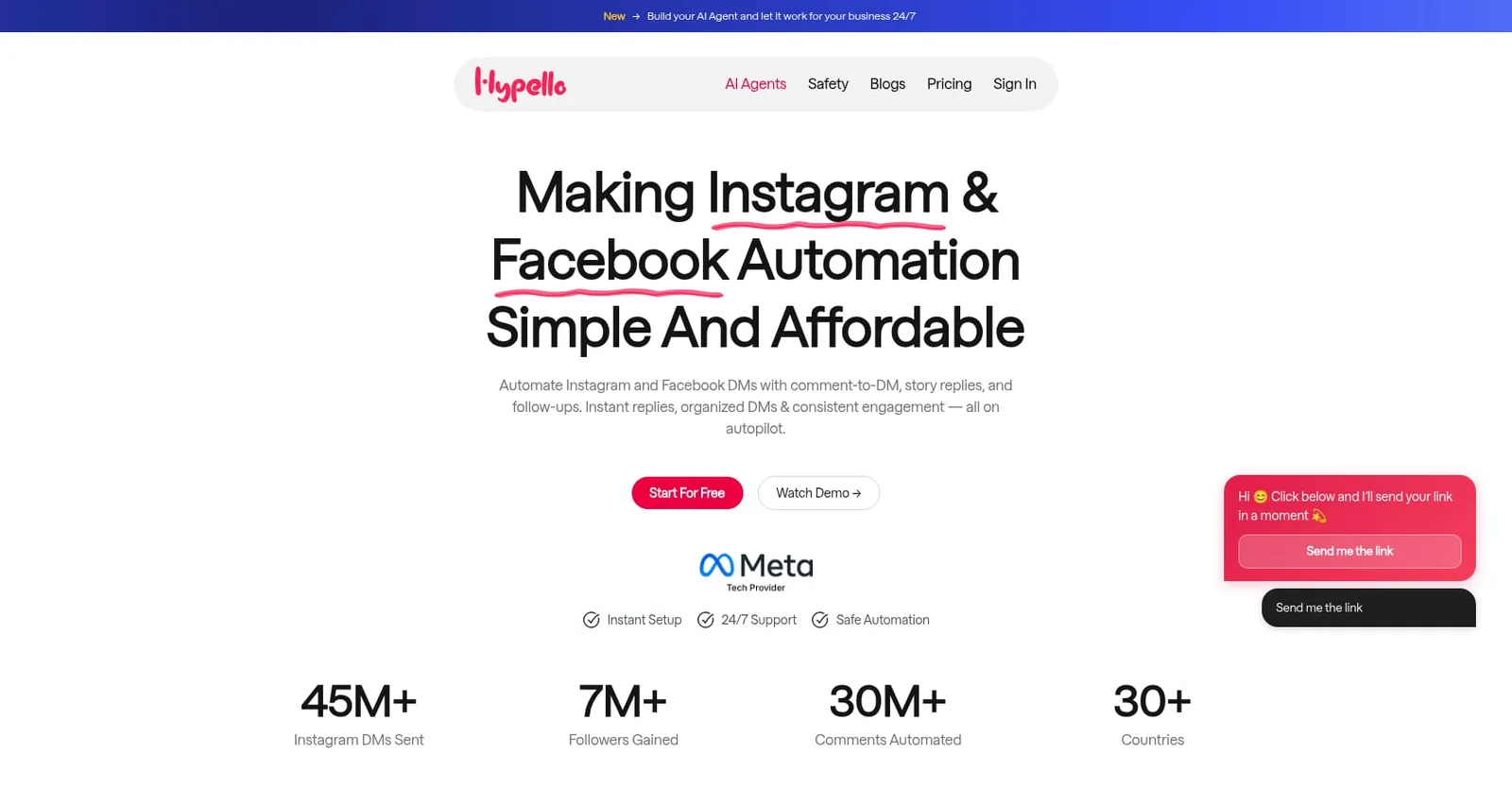
Best for: Affordable Instagram + Facebook comment-to-DM automation with lead capture, AI agents, and safety controls.
Hypello is a focused Instagram and Facebook automation platform built around turning comments into DMs, leads, followers, and sales. It is not a broad omnichannel chatbot suite. That narrower focus is the point: you get comment automation, Story replies, Live automation, boosted-post support, AI agents, and lead capture without paying for WhatsApp, SMS, or TikTok features you may not need.
Pricing:
- Free: $0/month, 1,000 DMs/month, up to 2 accounts, unlimited contacts and automations, no credit card required
- Creator: $4.90/month (annual), unlimited DMs and contacts
- Pro: $14.90/month (annual)
- Business: $25/month (annual)
Key features:
- Comment-to-DM for posts and Reels with keyword triggers
- Public comment replies with rotating variations and @mentions
- Story reply, reaction, and mention automation
- Instagram Live comment automation
- Facebook Page, Messenger, boosted-post, and ad-comment automation
- Ask To Follow (checks if the person follows you before delivering the offer)
- Link buttons and up to 10 carousel cards
- Follow-up DMs based on views, clicks, or reactions
- Next Post automation (set up before publishing)
- Re-Trigger for eligible comments from the previous 7 days
- Email and phone collection with validation
- Native Mailchimp and Klaviyo integrations with source tags
- AI Sales Agent, AI Support Agent, and AI Leads Agent
- DM Safety Queue, Slow-Down Mode, Comment Flood Controller, and Safe Viral Mode
- Multiple-account management (up to 15 on listed paid plans, custom above)
- No Hypello branding in DMs, even on Free
- Meta API connection without password sharing
Tradeoffs:
- No WhatsApp, SMS, TikTok, or email-sending channels
- Native integrations are mainly Mailchimp and Klaviyo (no Shopify data sync, Zapier, or webhooks found)
- Limited independent reviews: G2 shows 4.7/5 from 3 reviews, Trustpilot has one 5-star review
- Free plan caps at 1,000 DMs/month
Real user perspective: G2 reviewers in the small-business segment praise easy setup, affordability, and customer service. Criticisms mention limited analytics and customization options.
Why it ranks first: Hypello hits the core need (comment-to-DM) at the lowest paid entry price in this list, with unlimited DMs on paid plans, built-in safety pacing, AI agents, and lead capture that syncs directly to email platforms. The Re-Trigger feature is particularly useful: it can send DMs to eligible comments from the past seven days, covering the gap when you set up automation after a post is already getting traction.
2. ManyChat
Best for: Complex multi-channel automation and visual flow building.
ManyChat is the most established name in this category. It supports Instagram, WhatsApp, Messenger, SMS, email, and TikTok (beta). Its visual flow builder handles branching logic, conditions, tags, and randomizers that simpler tools cannot match.
Pricing:
- Free: 25 active contacts/month, 1 user, up to 4 live automations
- Essential: from $14/month (annual)
- Pro: $29/month (annual) or $39/month (monthly), up to 2,500 active contacts
ManyChat bills by active contacts, meaning anyone who interacts through your automations during the billing month counts. If a Reel drives 20,000 commenters into your flow, all of them become active contacts that month. ManyChat's own pricing explanation acknowledges this can push costs up during viral campaigns.
Key features:
- Instagram post and Reel comment triggers
- Public replies and private DMs
- Keyword filters, exclusions, and conditions
- Boosted-post support for comment triggers
- Instagram Live comment trigger
- AI Replies on Pro plan
- Multi-channel: Instagram, Messenger, WhatsApp, SMS/email, TikTok beta
Tradeoffs:
- Active-contact billing can become expensive fast. Practitioners on Reddit frequently complain about costs growing with audience size, and multiple threads specifically ask for cheaper alternatives
- The free plan is very small for real campaigns (25 active contacts)
- Setup is heavier than purpose-built Instagram tools
- Some users report Meta connection and account setup friction
Real user perspective: ManyChat holds 4.5/5 on G2 from 165 reviews and 4.6/5 on Capterra from 72 reviews. One Capterra reviewer praised how automation let them connect with customers without being tied to their phone. Another criticized persistent Business Manager connection issues.
For a detailed breakdown, see Hypello vs ManyChat.
3. LinkDM
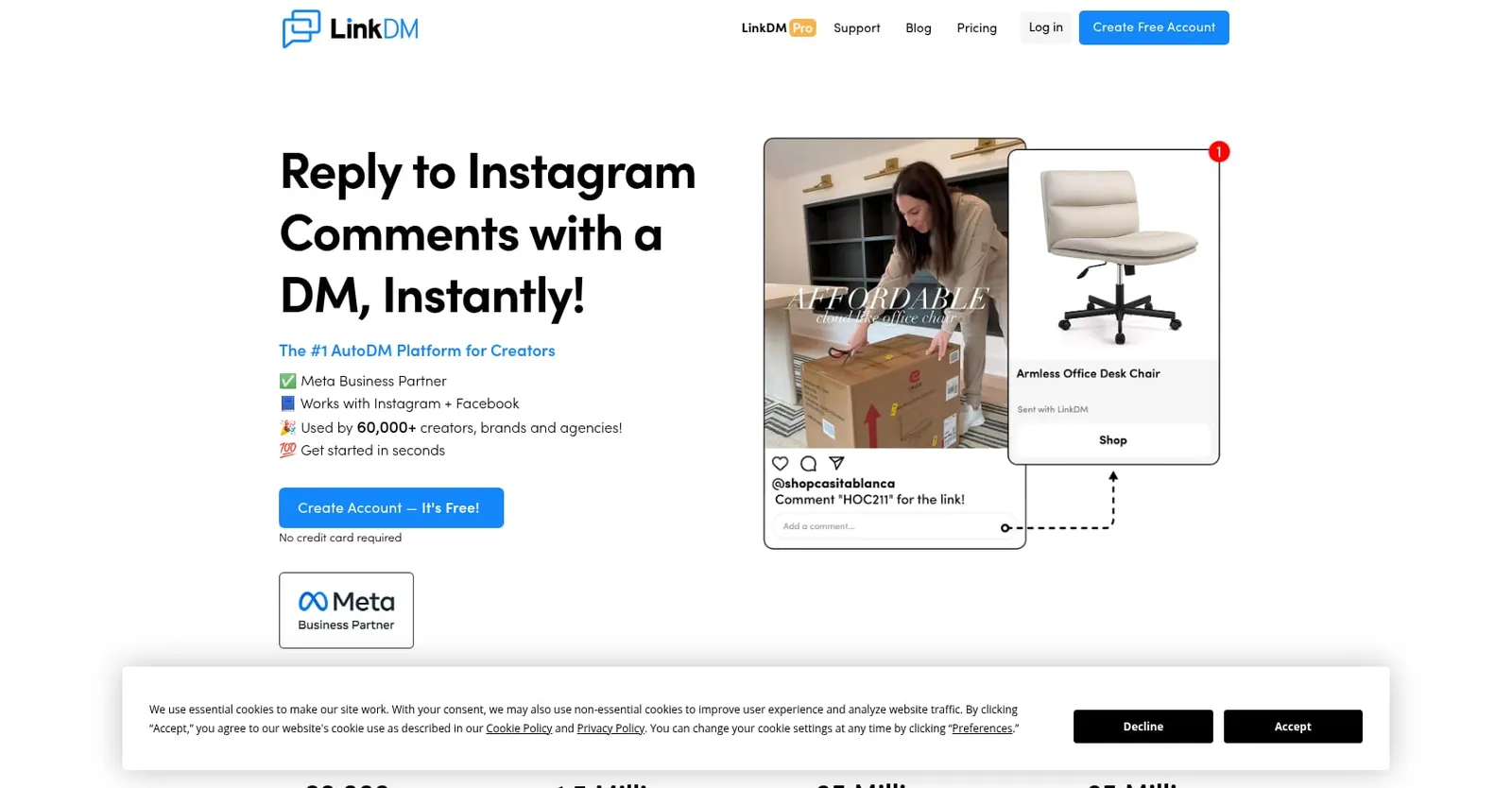
Best for: Creators wanting a large fixed DM allowance and multiple Instagram accounts.
LinkDM's pricing is straightforward: you pay for a fixed number of DMs per month, not per contact. The Pro plan gives you 25,000 DMs for $19/month, which is a lot of headroom for most creators.
Pricing:
- Free: 1 Instagram account, 1,000 DMs/month
- Pro: $19/month, 3 accounts, 25,000 DMs/month
- Platinum+: $99/month, 10 accounts, 300,000 DMs/month
Key features:
- Posts and Reels auto-reply
- Facebook automations
- Story and story mention automation
- Next Post trigger
- Lead gen and flow automation on Pro
- Live and ad automation on paid plans
- DM Planner and reminder DMs
Tradeoffs:
- High-volume safety queue and rate limiter appear reserved for Platinum+ tier
- Free plan has branding and lacks several paid features
- Less suited for deep AI conversations than AI-forward tools
Real user perspective: A Reddit user in a solo-creator thread noted LinkDM was the only option offering roughly 25,000 DMs for about $20, but flagged the lack of throttling at that price point as a concern. Another discussion framed LinkDM as good for comment-to-DM links while ManyChat is more powerful but expensive.
More details at Hypello vs LinkDM.
4. ReplyRush
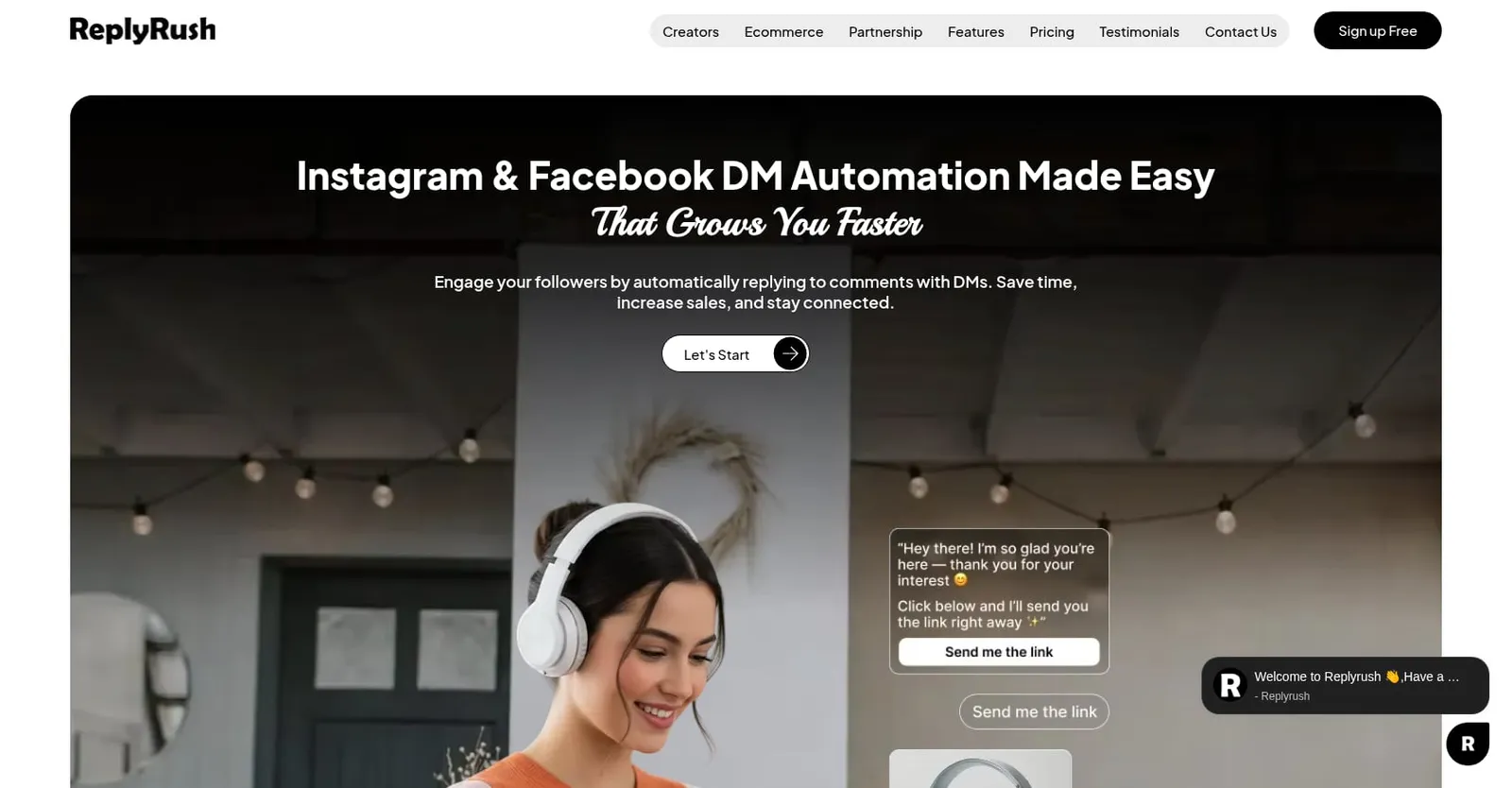
Best for: Budget users wanting Instagram + Facebook automation with predictable DM caps.
ReplyRush offers both monthly DM limits and top-up credit packs, giving you flexibility when volume spikes. At $10/month for 7,500 DMs, the entry price is competitive.
Pricing:
- Free: 1,500 DMs/month, 1 IG + 1 FB account
- Lite: $10/month, 7,500 DMs
- Boost: $25/month, 40,000 DMs, 3 accounts each
- MAX: $100/month, 400,000 DMs
- Top-up packs from 1,000 credits ($5) to 200,000 credits ($100), credits don’t expire
Key features:
- Instagram and Facebook DM automation
- Post, Reels, and Story automation
- AI Generated Triggers
- Future Post Automation
- Mobile apps for iOS and Android
- Email Collector and Follow-Up on paid plans
Tradeoffs:
- Free plan lacks comment auto-reply, follow gate, branding removal, excess queue, and email collector
- Paid plans still have DM caps requiring upgrades or credit purchases at high volume
- Modest public review base
Real user perspective: Trustpilot shows 4.5/5 from 27 reviews. Reviewers praise fast setup and time saved after posting Reels. One real estate professional highlighted reliable DM automation for property inquiries.
See Hypello vs ReplyRush for a deeper comparison.
5. InstantDM
Best for: Low-cost flat pricing and high-volume Instagram-first automation.
InstantDM prices by plan rather than by contacts, and its annual pricing is among the lowest. The tradeoff is that it is newer, with a smaller review base.
Pricing:
- Free: 500 DM automations/month, 1 account
- Legend Pro: $9.99/month (annual), unlimited automation up to 800/hour
- Trendsetter: $24.99/month (annual), up to 2,000/hour, Flow Editor, API, webhooks
- Trendsetter Pro: $49.99/month (annual), removes hourly limit, advanced safety
Key features:
- Comment-to-DM with keyword triggers
- Story, Live, and Next Post triggers
- Post scheduling with AutoDM
- Email and phone capture
- Flow Editor and AI Agent on higher plans
- Viral Mode and DM queues on Trendsetter+
Tradeoffs:
- Small public review base (4.5/5 on G2 from 4 reviews)
- Some Reddit users question credibility given the tool’s newness
- Strongest features sit on higher tiers
- “Unlimited” still depends on hourly throughput and Meta rules
Real user perspective: One Reddit user in an AI-agent thread said they had used InstantDM for two days and it was working well. Another thread described it as too new to trust with major campaigns yet. Verify support and reliability before migrating.
6. CreatorFlow
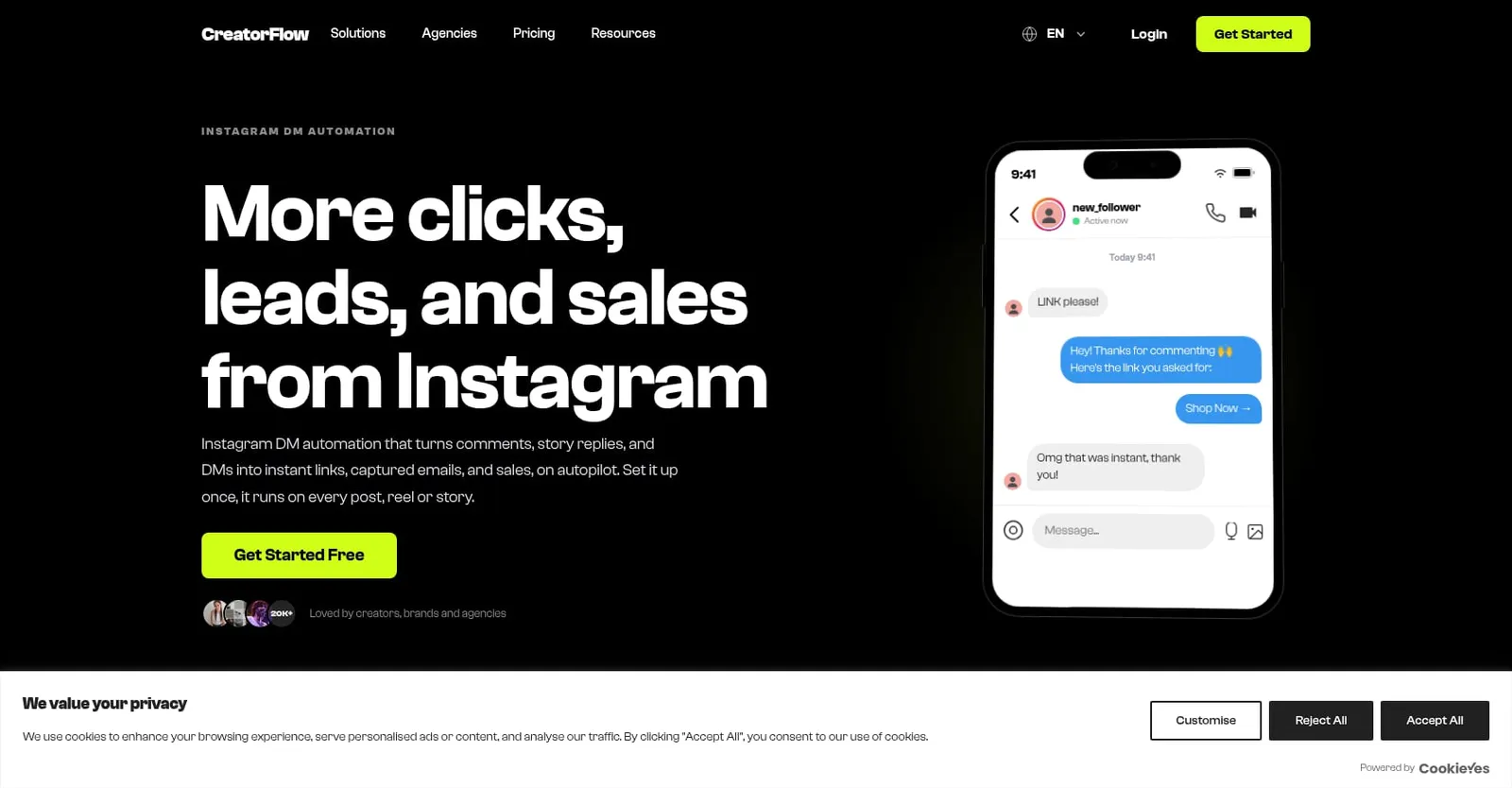
Best for: Solo creators who want a simple, Instagram-only comment automation tool.
CreatorFlow strips away complexity. There is no Facebook, no WhatsApp, no AI agent. You get comment-to-DM, Story replies, email gates, follow gates, and link click tracking. For a creator who just wants to send a lead magnet link when someone comments “GUIDE,” that is enough.
Pricing:
- Free: 1 account, 500 DMs/month
- Pro: $15/month ($12/month annual), 2 accounts, 5,000 DMs/workspace/month
- Growth: $30/month ($24/month annual), 5 accounts, 10,000 DMs, 5 team seats
- 14-day free trial on paid plans
Key features:
- Comment-to-DM for posts and Reels
- Story reply automation
- Email gate and follow gate
- Link click tracking
- CSV export and geo analytics
Tradeoffs:
- Instagram-only, no Facebook or Messenger
- Automations pause when DM cap is hit
- No AI agents, no phone capture
- Limited review footprint (G2 says not enough reviews for buying insight)
Real user perspective: Reddit sentiment is sparse. One user said they were “very happy” with CreatorFlow and noted it is a Meta tech partner. Others frame it as simpler than ManyChat, which is both its strength and its limitation.
7. Inrō
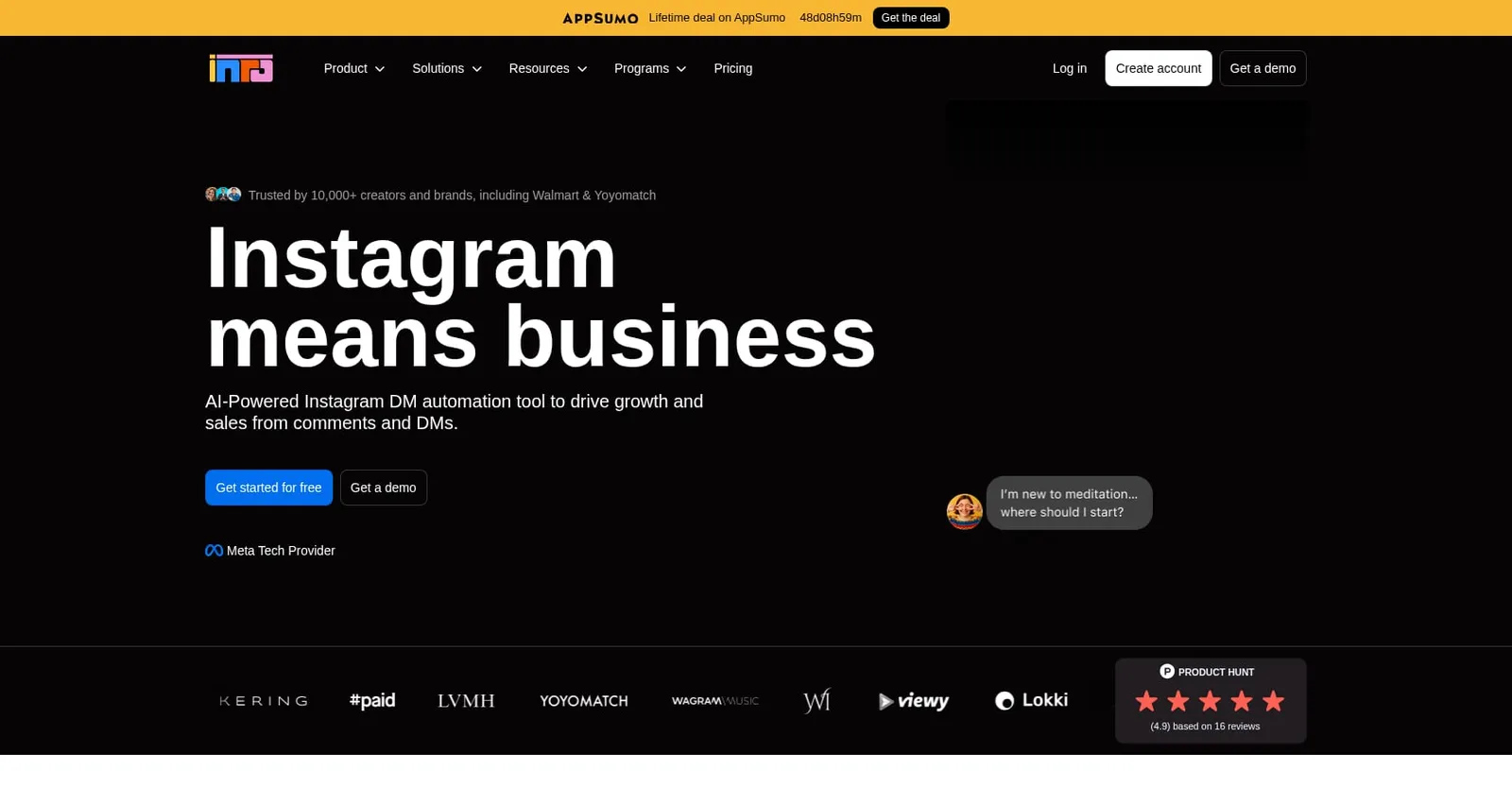
Best for: Instagram-first AI conversations and CRM-style lead handling.
Inrō is different from most tools on this list. Instead of just delivering a link when someone comments, it uses AI to qualify leads, answer questions, and manage contacts in a built-in CRM. If your DMs need to become conversations rather than link drops, Inrō is worth evaluating.
Pricing:
- Free: 100 active contacts/month, 50 AI credits
- Pro: from €12.99/month, 500+ active contacts
- Annual Pro: €1,249/year, 10k+ active contacts
- Managed: custom, from €299/month
Key features:
- AI agent trained on your offers, FAQs, and tone
- CRM with unlimited contacts
- Comment, DM, Story, and mention automation
- Campaign tools and segmentation
- Lead capture and qualification
Tradeoffs:
- Contact-based pricing scales with engagement volume
- Instagram-focused (no Facebook, WhatsApp, or SMS automation)
- Some user sentiment comes from vendor-affiliated sources
Real user perspective: AppSumo lists Inrō as used by 10,000+ creators and brands. Trustpilot reviews praise the AI Agent and intent detection. On Reddit, an Inrō team member described how they moved from keyword flows to an AI-first model with delay rules to avoid overlapping with human replies.
Compare at Hypello vs Inrō.
8. Chatfuel
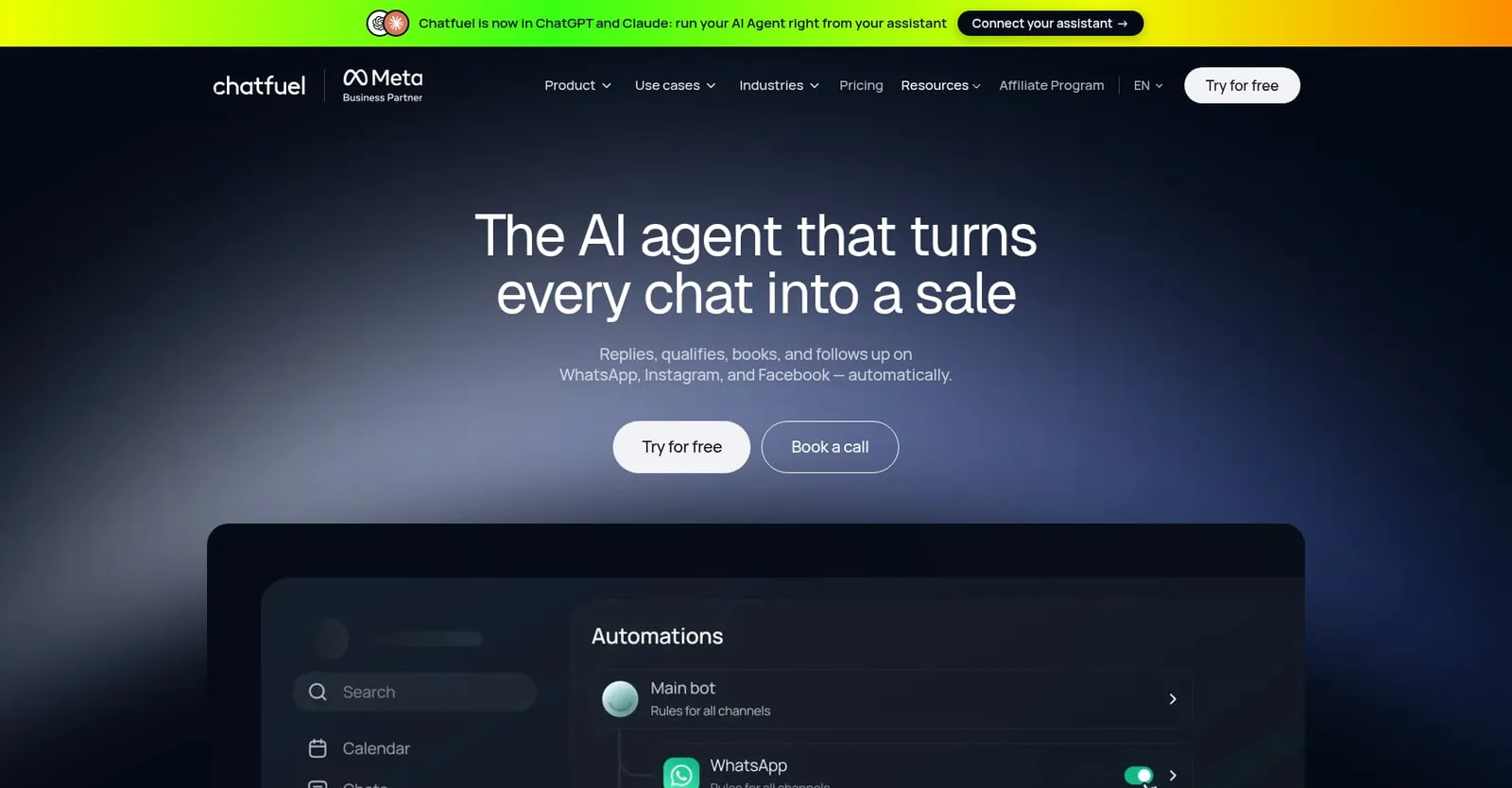
Best for: Teams needing Instagram + WhatsApp AI sales and support automation.
Chatfuel is broader than a comment automation tool. It covers Instagram, WhatsApp, and Facebook with AI assistants, lead qualification, appointment booking, and in-chat selling. If your business lives across Instagram and WhatsApp, Chatfuel consolidates both.
Pricing:
- Business: $18/month (annual), $20 AI credits/month
- Agency S: $90/month (annual), 3 companies, $100 AI credits
- Verify current pricing before buying, as promotional rates may change
Key features:
- Instagram post and Reels comment automation
- Instagram DMs, Stories, mentions, and ads
- WhatsApp sales and support automation
- AI assistant with no-code builder
- Lead qualification and scoring
- Appointment booking and in-chat selling
Tradeoffs:
- Pricier and broader than creator-focused tools
- AI credits and WhatsApp messaging costs add up
- Less focused on simple comment-to-link delivery
- More setup complexity than single-channel tools
Real user perspective: Aggregated reviews show 4.4/5 from 73 reviews across G2 and Capterra. A Reddit review said Chatfuel worked for Instagram comment-to-DM funnels but felt weaker than ManyChat for multi-language logic and segmentation.
9. Zorcha
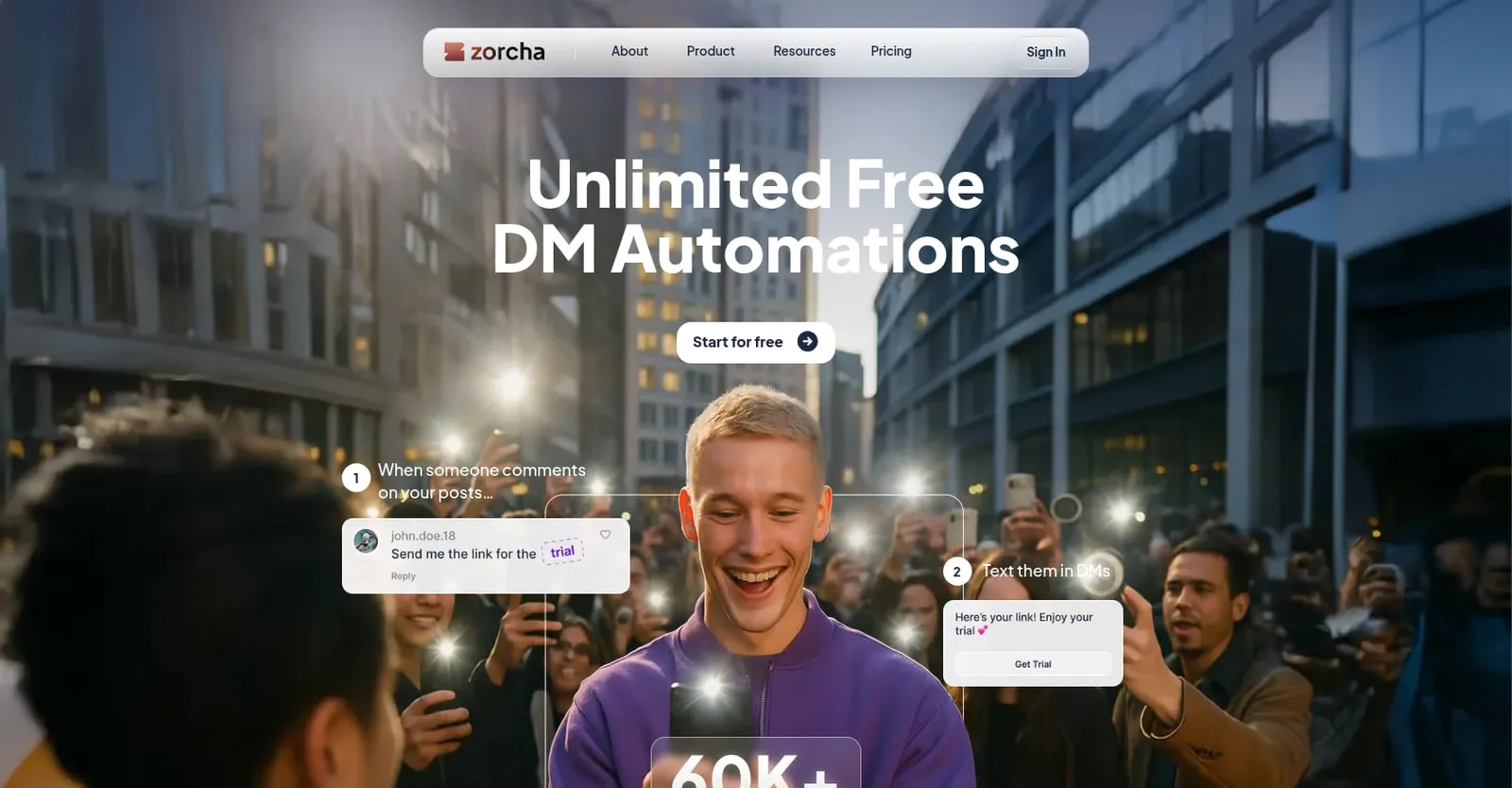
Best for: Free-plan seekers testing Instagram comment-to-DM without paying.
Zorcha's free plan claims unlimited automations, unlimited DMs, and unlimited contacts. That is an aggressive positioning. The catch: “unlimited” does not mean unlimited sending speed. Instagram's own rate limits still apply, and Zorcha's basic queue spaces out delivery when those limits are reached.
Pricing:
- Free: unlimited automations/DMs/contacts claimed
- Pro: $14.99/month
- Ultimate: $39.99/month
- Business: $109.99/month
Key features:
- Comment-to-DM for posts and Reels
- Keyword matching with misspelling tolerance
- Public reply variations
- Ask for Follow
- DM queue
- AI FAQ (20 on Free)
- Forms and link-in-bio
Tradeoffs:
- Some features are marked “Soon” on the pricing page
- Limited independent review base
- Sustainability of the unlimited free model is unproven
- Advanced features (personalized DMs, follow-up, flow builder) require paid plans
Real user perspective: A third-party pricing review cites Trustpilot at 4.6 from 23 reviews, including one mention of an automation getting stuck. Reddit mentions are sparse and mixed with other tool recommendations.
Details at Hypello vs Zorcha.
Honorable mention: Meta Business Suite is free and native, offering instant replies, away messages, keyword responses, and basic comment-to-message for some accounts. But Reddit users report automations randomly stopping, the comment-to-message option disappearing from Instagram, and high-comment activity causing failures within hours. It works for testing the concept but is not a replacement for a dedicated Instagram comment automation tool.
How to Choose: The Comment Automation Maturity Ladder
Instead of picking a tool based on features alone, match it to where your business actually is.
Level 1: Link delivery. You just want to stop manually copy-pasting links. Any tool on this list handles that. Start with Hypello's free plan, CreatorFlow, or Zorcha.
Level 2: Lead capture. You want to convert Instagram attention into owned contacts, emails, and phone numbers. You need validation, export, and email platform sync. Hypello, ManyChat, and Inrō are strongest here.
Level 3: Sales funnel. You need qualifying questions, branching logic, discount codes, AI answers, and human handoff. Hypello's AI agents, ManyChat's flow builder, Inrō's AI CRM, or Chatfuel fit this stage.
Level 4: Viral and launch operations. You need safety queues, throttling, reply variation, flood controls, and re-trigger for late comments. Hypello, LinkDM (Platinum+), and InstantDM (Trendsetter+) address this.
Level 5: Multi-account agency stack. You manage several client accounts with reporting. Hypello (up to 15 accounts on listed paid plans), ManyChat, LinkDM Platinum+, Chatfuel Agency, or CreatorFlow Growth. For custom agency needs, contact Hypello directly.
Pricing Model Decoder: Why the Headline Price Lies
The number-one complaint in Reddit discussions about Instagram comment automation tools is not about features. It is about surprise costs.
Active-contact pricing (ManyChat, Inrō): You pay based on how many people interact with your automations each month. This is fine for steady, predictable engagement. It is not fine when a Reel goes viral and 15,000 people comment in 48 hours. Every one of them becomes a billable contact. Reddit users in marketing forums regularly share stories of ManyChat bills jumping from $39 to $200+ in a single month.
DM-cap pricing (LinkDM, ReplyRush, CreatorFlow): You get a fixed number of DMs. Predictable, but automations pause or require top-ups when you hit the limit, meaning your hottest viral moment is exactly when you stop converting.
Account-based pricing (Hypello): You pay per connected account rather than per contact or per DM on paid plans. DMs and contacts are unlimited on paid plans. This model is more predictable during spikes, though Meta's own rate limits still apply.
AI-credit pricing (Chatfuel, Inrō): Cheap for simple link delivery, expensive for long AI conversations. Check how many credits a typical support exchange consumes before committing.
Best Practices for Higher Conversion and Lower Risk
The best Instagram comment automation tool will not save a bad DM script. These practices come from practitioner experience shared across Reddit, LinkedIn, and tool documentation.
Use a specific keyword. “Comment GUIDE” works better than “comment anything.” It signals intent and filters casual scrollers from genuine leads.
Set up automation before publishing. Most tools offer a Next Post or Future Post feature. Use it. Early comments on a Reel are the highest-intent, and missing them defeats the purpose.
Do not lead with a raw link. Practitioners on Reddit report that link-first DMs often land in message requests or feel spammy. A better approach: send a short message with a button or quick reply first, then deliver the link after the user taps. Also tell people in your public reply to check their message requests if they are not followers.
Rotate your public replies. Posting “Sent! Check your DMs” 200 times looks like a bot. Use 5 to 10 variations. Hypello, ManyChat, and Zorcha all support this.
Capture email or phone before delivering the link. This turns rented social attention into an owned contact. One LinkedIn practitioner described running a waitlist automation that captured 23 emails from 41 comment triggers, calling it a 55% capture rate and noting that link-in-bio would have performed far worse.
Understand that retroactive DMs have limits. Users often ask whether they can message people who commented before the automation was turned on. Some tools offer re-trigger or rewind features, but Meta's private reply rules (generally within seven days for posts and Reels) still apply. Plan your automation before your content drops.
Watch for the 24-hour window. If someone receives your DM but does not tap or reply, you cannot follow up after the window closes. Design your first message to earn interaction.
When Not to Automate
Not every comment deserves a bot response.
Do not automate sensitive medical, legal, or financial advice without human review. Do not use comment automation for cold DM blasting to people who did not comment. Do not rely on automation for crisis communications or PR responses. Do not send identical link-first messages at high volume. And never use tools that ask for your Instagram password.
Automation should handle the repetitive, high-volume, time-sensitive work. Humans should handle the judgment calls.
Final Recommendation
If your business runs on Instagram and Facebook comments, start with Hypello's free plan. You get 1,000 DMs per month, comment-to-DM, Story and Live automation, and Ask To Follow with no credit card and no branding in your messages. When you outgrow that, paid plans start at $4.90/month with unlimited DMs, lead capture, and Re-Trigger.
If you need complex multi-channel flows across WhatsApp, SMS, and TikTok, ManyChat is still the most mature builder, just budget for contact-based billing.
If you need AI-driven conversations that go beyond link delivery, evaluate Inrō and Chatfuel alongside Hypello's AI agents.
If you only need the cheapest possible link-dropper, compare LinkDM, ReplyRush, CreatorFlow, InstantDM, and Zorcha carefully against their DM caps, safety controls, and what happens when those caps are hit.
For more tool comparisons, browse Instagram automation alternatives.
Frequently Asked Questions
Is Instagram comment automation safe?
Tools that use the official Meta API and trigger messages only from user actions (comments, story replies, DMs) are operating within Meta's guidelines. That said, no tool can guarantee immunity from restrictions. Spammy patterns, identical messages at high volume, and raw-link-first DMs increase risk. Use reply variations, pacing controls, and natural copy.
Do I need an Instagram Business account?
Yes. The Instagram API requires a Professional account, either Business or Creator. Personal accounts cannot connect to any third-party comment automation tool. You also need a linked Facebook Page.
Can I auto-reply to comments on Reels?
Yes. All tools in this list support Reel comment triggers. The automation works the same way as post comments: someone comments a keyword, the tool sends a DM and optionally posts a public reply.
Why does my automated DM go to message requests instead of the inbox?
When someone does not follow you, your DM lands in their message requests folder. This is normal Instagram behavior, not a tool bug. The best workaround is to tell people in your public reply to check their requests, and to avoid raw links as the first message since a button or conversational message is more likely to be seen and tapped.
Can I DM people who commented before I set up automation?
Some tools offer features like Re-Trigger or Rewind that can reach back to recent eligible comments. Hypello's Re-Trigger, available on paid plans, covers eligible comments from the previous seven days. However, Meta's private reply window limits still apply, so comments older than roughly seven days on posts and Reels are generally out of reach.
What is the cheapest Instagram comment automation tool?
Several tools offer usable free plans. Hypello includes 1,000 DMs/month free with no branding. Zorcha claims unlimited free DMs (subject to Instagram rate limits). ReplyRush offers 1,500 free DMs. For paid plans, Hypello's Creator tier at $4.90/month (annual) is the lowest entry point among tools reviewed here.
What happens when my Reel goes viral and thousands of people comment?
It depends on the tool. Active-contact tools like ManyChat will bill you for every person who interacts. DM-cap tools will pause when the limit is hit. Account-based tools with safety queues (like Hypello's Safe Viral Mode) will throttle delivery to stay within Instagram's rate limits and send queued messages later. Check your tool's overflow behavior before a launch.
Can I automate comments on boosted posts and ads?
Some tools support boosted-post and ad-comment automation, including Hypello, ManyChat, and InstantDM (on higher tiers). There are limitations: ManyChat notes that ads created only in Ads Manager may not be selectable as triggers. You typically need to connect the Facebook account associated with the ad.

Savad PP is the co-founder of Hypello, the Instagram and Facebook automation platform that helps creators, brands, and agencies automate DMs, comments, and lead capture through Meta's official APIs.